Hands full?
Say it instead of typing it.
Keyey is a keyboard for your Android phone. Tap the mic, talk, and your words appear, spelled right, names and all. There’s a Mac app too, for when you’re at your desk.
Free to start, with 2,000 words a week of voice typing. No limit with Keyey Pro, $4.99 a month.
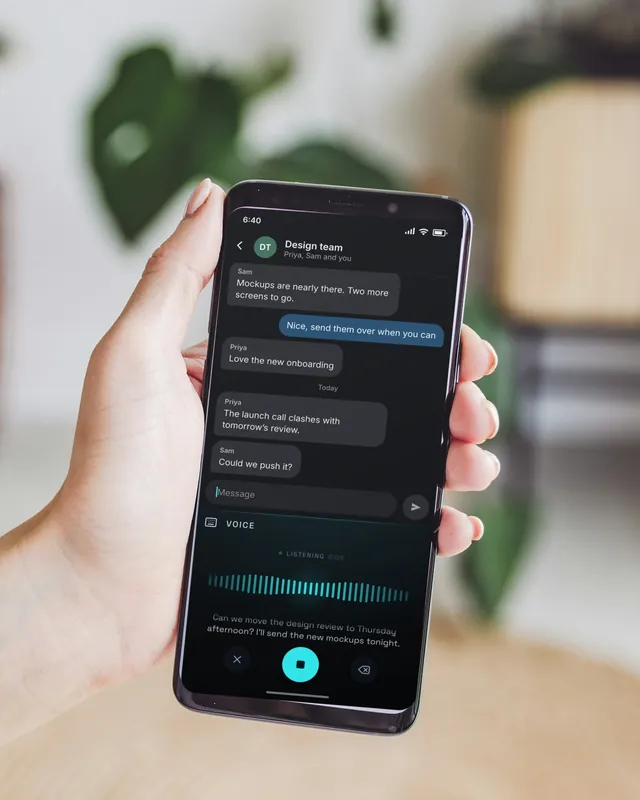
The moments it’s for
You could type all of these. You’d just rather not.
-
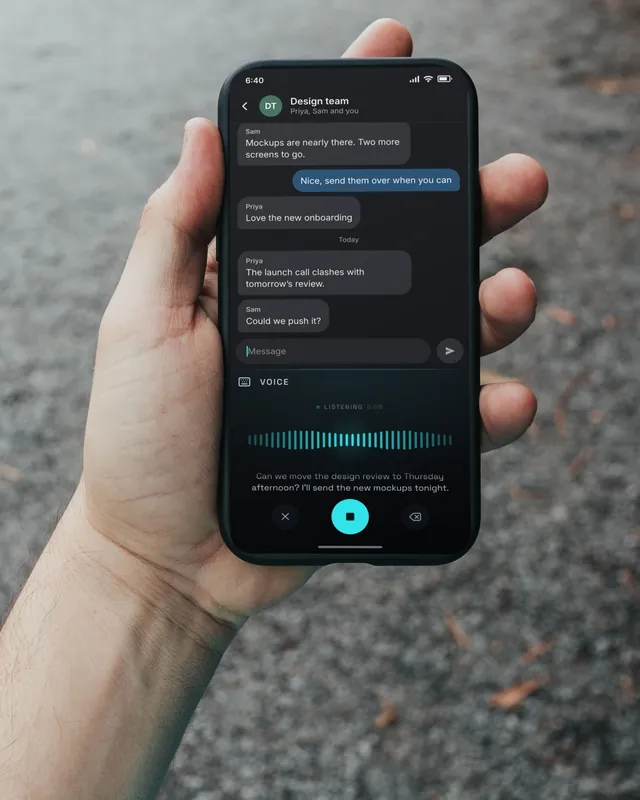
On a walk, at the stove, on the school run
Reply without stopping
Tap the mic and talk. Keyey types it as you speak, commas and all, and it works with no signal, because it all happens on your phone.
For busy parents -
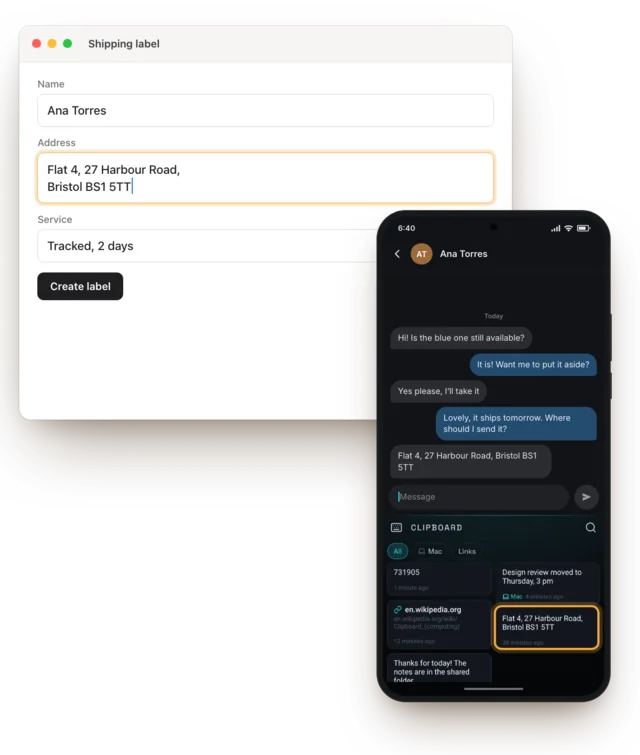
Order #212
Copy the address on your phone, paste it on your Mac Pro
A customer sends their address in a message. Copy it, and it’s already on your Mac for the shipping label. It works the other way round too.
For small businesses -
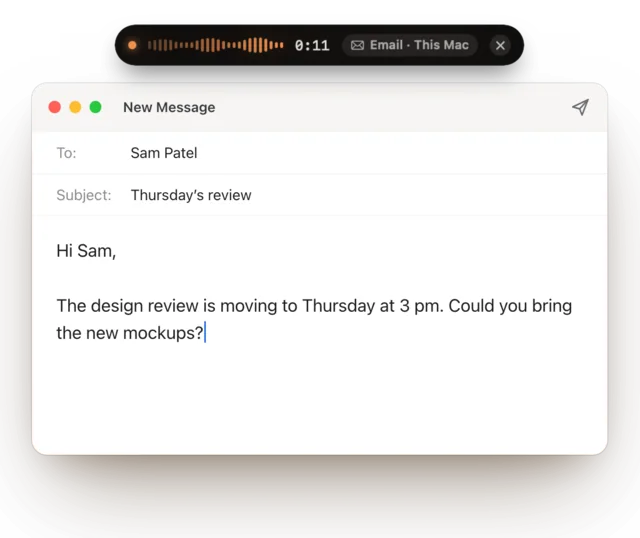
Between calls
Write the email by talking
On your Mac, hold one key, say what you mean and let go. It’s typed into the email you were writing, and Keyey can tidy it as it goes.
Working from home -
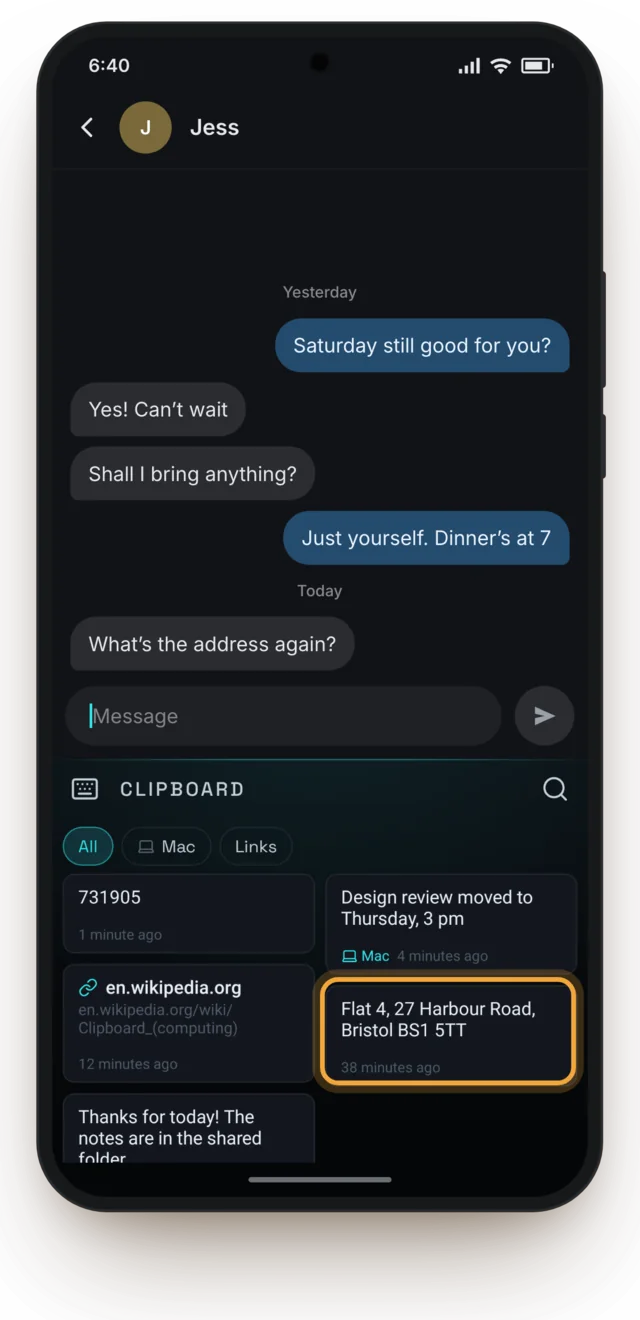
Before the party
Find the thing you copied
The code, the link, the address from this morning. They’re one tap above your keys, so you don’t go hunting.
-
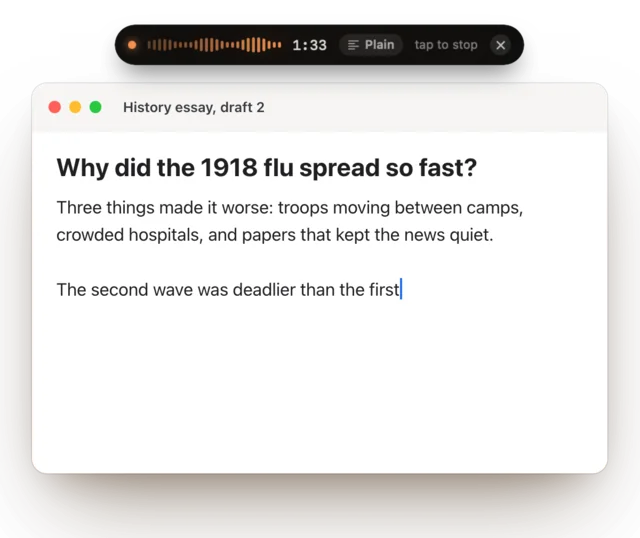
Late, in the library
Talk your way to a first draft
Stuck on a paragraph? Say it out loud and tidy it after. Keyey types into your doc as you talk.
For students -
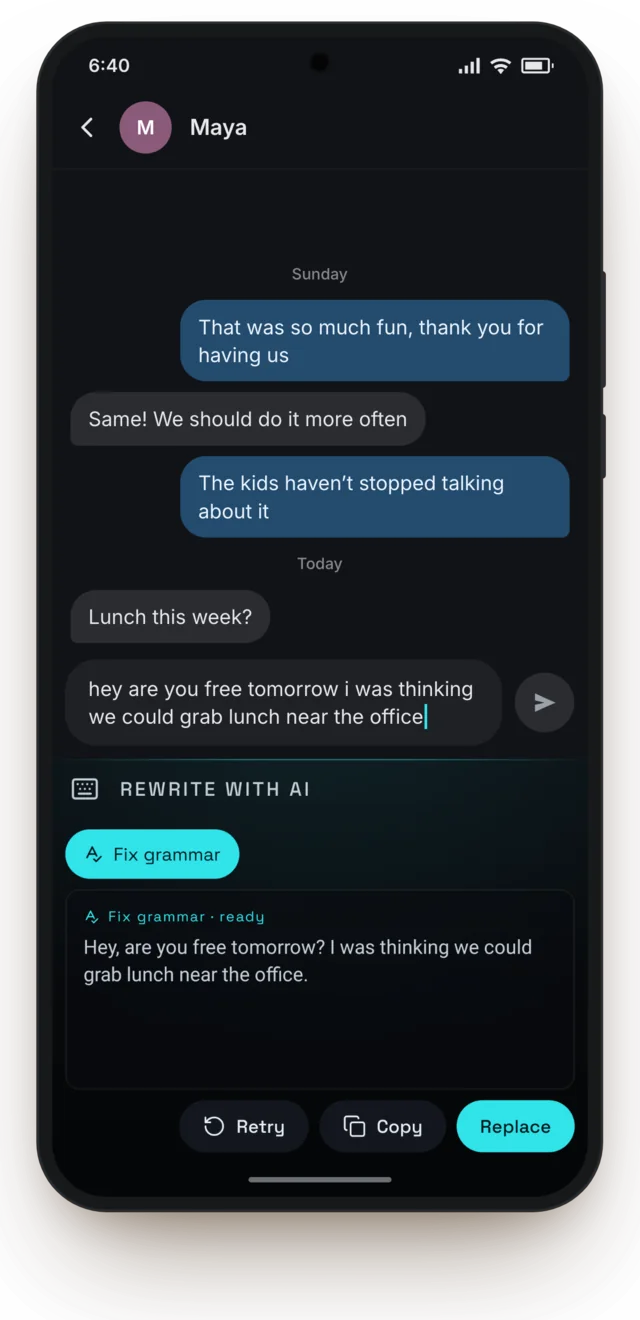
On the bus
Fix the typos before you send
Typed it in a hurry? One tap adds the capitals and punctuation. It works with no internet.
-
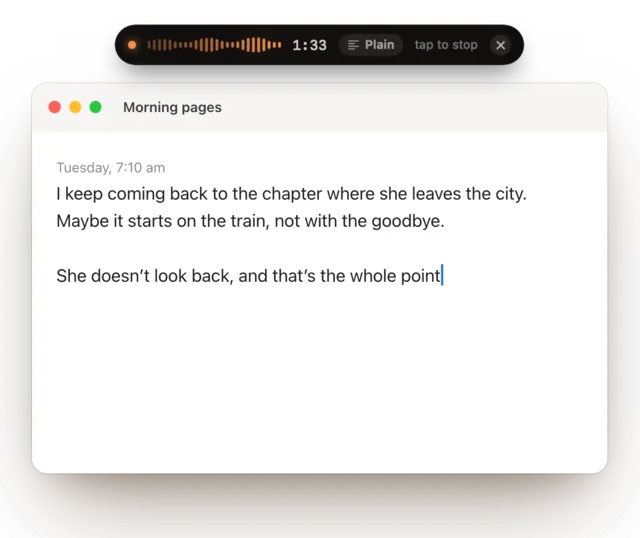
7:10 am, coffee first
Say the messy first draft out loud
Morning pages, a chapter, a plan for the week. Talk it out first and shape it later.
For writers -
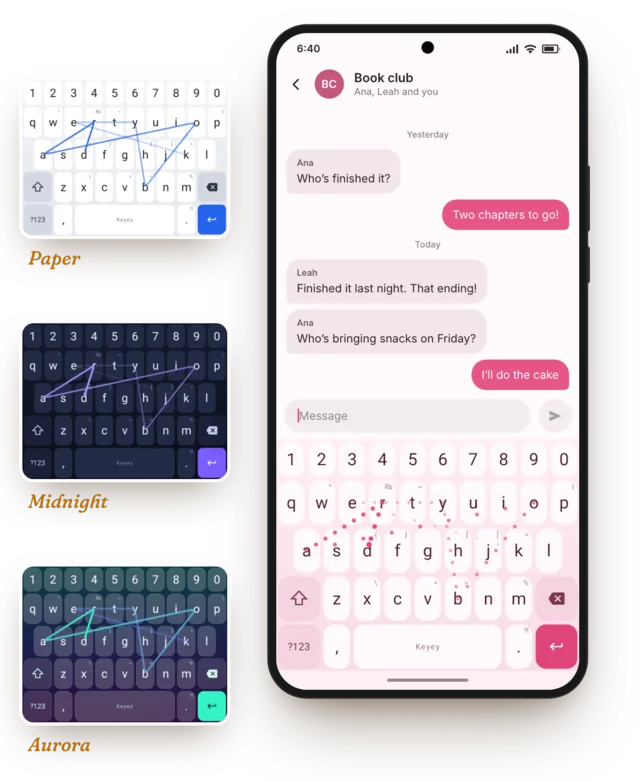
Make it yours
A keyboard you’ll like looking at
Seven themes, from Sakura to Midnight, and glide typing for when you do want to type.
The private bit
A keyboard sees everything you type, so here it is in plain words.
- Your voice stays with youWhat you say is turned into text on your own phone or Mac. Recordings aren’t sent to us.
- We can’t read what you copyYour clipboard is locked on your devices before it syncs, with a key only they have.
- No ads, no account neededThe keyboard works without signing in, and what you type stays on your phone.
Free to start
Try it properly before you pay for anything. Pro is there if you talk a lot, or want one clipboard for your phone and Mac.
Free
$0
- The whole keyboardGlide typing, themes, Fix grammar and your clipboard history
- Voice typing, 2,000 words a weekCounted across your phone and Mac together. That’s about 285 words a day.
- Keyey for MacTalk into any app on your Mac
- Your own words on bothNames and words you add come out right everywhere
Keyey Pro
$4.99a month
- Voice typing with no limitOn your phone and your Mac
- One clipboard for bothCopy on your phone, paste on your Mac, and the other way round
- A bigger history and bigger backups50,000 clips, kept for a year
Buy it in the Keyey app on your Android phone, through Google Play. One subscription covers your Mac too. Cancel any time.
Questions
Is it really free?
Yes. The keyboard is free, and so are 2,000 words a week of voice typing, counted across your phone and Mac together. If you talk more than that, Keyey Pro is $4.99 a month and has no limit.
Does it work without internet?
Yes. Keyey downloads its speech model once (best on Wi-Fi). After that, voice typing works anywhere, with no signal at all.
Will it get names right?
Add the names and words you use to My words in the app. Keyey listens out for them when you talk, on your phone and your Mac.
Is there an iPhone version?
Not right now. The keyboard is for Android phones. Keyey for Mac works on its own, though, free for 2,000 words a week.
Do I need a Mac?
No. The keyboard works on its own. The Mac app is there if you want it.
Can you see what I type or say?
No. What you say is turned into text on your own phone or Mac, and what you type stays on your phone. If you sync your clipboard, it’s locked before it leaves your device, so we can’t read it. The privacy policy has the details.
Do I need an account?
Not for the keyboard. You sign in with Google only to use Keyey with your Mac, back up, or get Keyey Pro.
Which languages does it speak?
English, for now.
How do I cancel Pro?
Any time, in Google Play. Pro keeps working until the end of the month you’ve paid for, then you’re back on the free plan.
More answers on the help page.
Try it on your phone
Keyey is free to start, on Android 12 or later. Add your Mac whenever you like.