Keyey for Mac
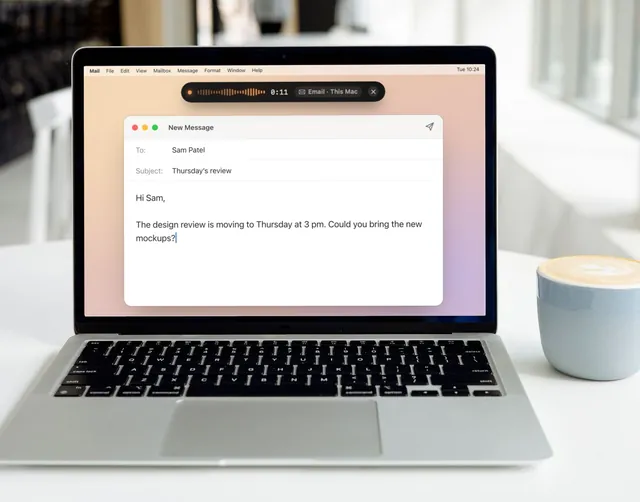
Hold one key and talk.
Your words appear wherever you were typing: an email, your notes, a chat, a doc. Let go, and it’s there.
Free to start: 2,000 free words of dictation a week across your Mac and phone. Keyey Pro, $4.99 a month, is unlimited on both.
What people use it for
-
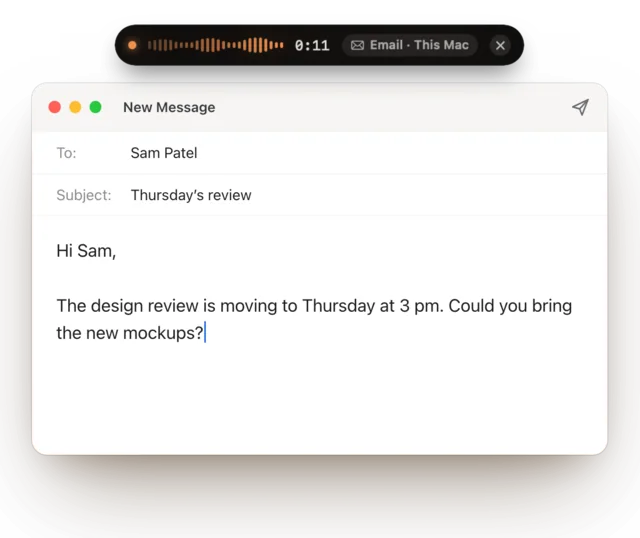
Emails, without the typing
Say what you mean. In Email mode, Keyey can tidy it into a proper email as it goes.
-
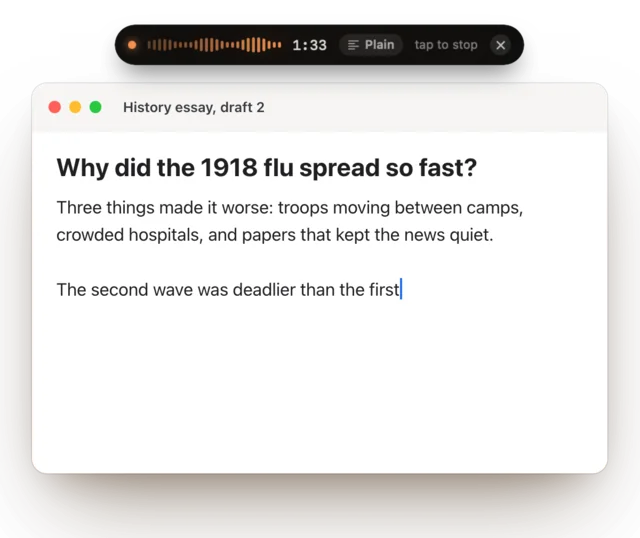
Drafts and essays
Talk through the paragraph you’re stuck on, straight into your doc, and fix it up after.
-
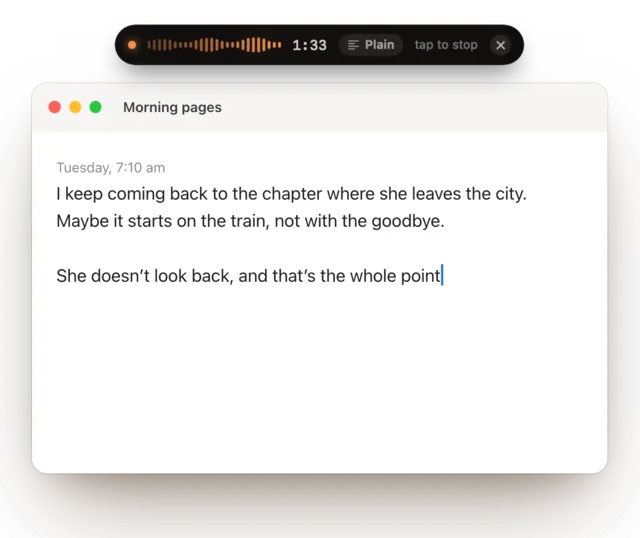
Notes and plans
Think out loud. Note mode can turn it into a neat list.
-
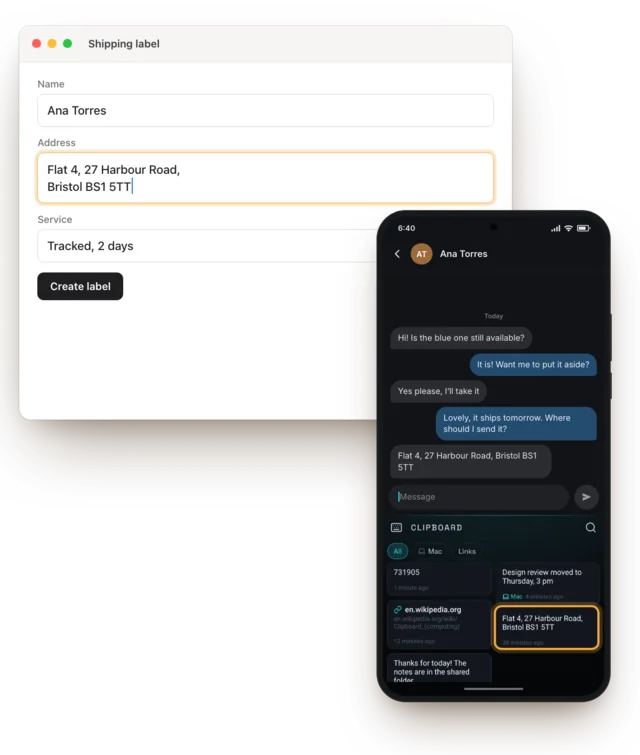
Your phone’s clipboard, on your Mac Pro
Copy on your Android phone and paste on your Mac, and the other way round.

Recordings into text
Drop a recording or a video on Keyey and get the words back, plain or with timestamps.
Getting started
Download Keyey for Mac
Open it, and you can start talking straight away.
Hold Right ⌥ and talk
Let go, and your words are typed where your cursor was. You can choose a different key.
Pair your phone, if you like
Sign in with the same account as Keyey on your Android phone, and pair them with a code. Your words sync, and with Pro, so does your clipboard.
Free to start: 2,000 free words of dictation a week across your phone and Mac.
Keyey Pro, $4.99 a month: unlimited dictation on your phone and Mac, and one clipboard for both.
The details
For anyone who wants the specifics.
Requirements, shortcuts and privacy
Requirements
macOS 14 Sonoma or later, on a Mac with Apple silicon (M1 or newer). The speech model is a one-time download of about 660 MB the first time you dictate. The app is signed and notarised by Apple and updates itself.
Shortcuts
| Hold Right ⌥ | Talk while it’s held; let go to type it. |
|---|---|
| ⌥ Space | Start talking; press again to type it. |
| ⌥ ⇧ Space | While listening: the next mode. |
| Esc | While listening: cancel. |
| ⌃ ⌘ V | Your clipboard history, from any app. |
Change any of them in Settings › Shortcuts.
Modes
Plain types what you said, cleaned up. Message, Email and Note reshape it, and you can write your own. Modes that rewrite use a model that runs on your Mac (a one-time download, only if you want it) or Groq with your own API key. Or keep exactly what you said.
What it touches, and why
- Microphone: only while you dictate. Speech is turned into text on your Mac, and the recording never leaves it.
- Accessibility: when you allow it, so Keyey can paste for you and notice keys like Right ⌥. Nothing is read from password fields.
- Clipboard: kept in a history on your Mac. With Pro and your phone paired, copies sync, locked with a key only your devices have. Anything a password manager marks private is never kept or sent.
- Groq, only with your own key: in a mode that uses it, the finished text (never the audio) goes from your Mac to Groq. With polishing on your Mac, nothing leaves at all.
No ads, no tracking. Read the full privacy policy.
Can I buy Pro on the Mac?
Not yet. Keyey Pro is sold in the Keyey app for Android, through Google Play, and one subscription covers your phone and your Mac.
Does it work on Intel Macs?
No. Keyey for Mac needs Apple silicon (M1 or newer), which runs the speech model fast enough to type as you finish talking.
Do I need an Android phone?
No. Keyey for Mac works on its own, with 2,000 free words of dictation a week. Pro, and one clipboard for both, need the Keyey app on an Android phone.
Try Keyey on your Mac
macOS 14 Sonoma or later, on a Mac with Apple silicon (M1 or newer).